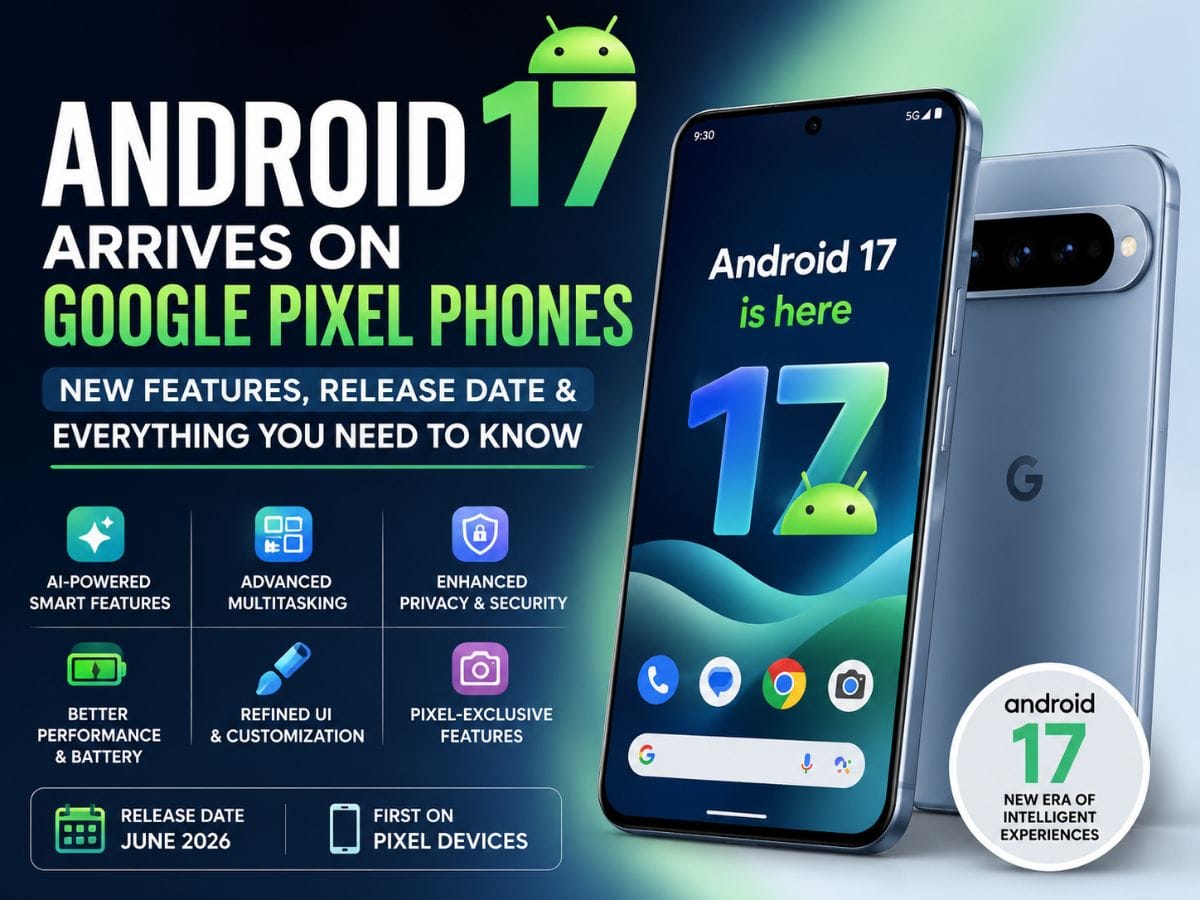
Android 17: Google has officially rolled out Android 17 for Pixel smartphones, marking one of the most significant updates to its mobile operating system in recent years. Packed with new AI-powered features, improved multitasking capabilities, enhanced privacy controls, and performance upgrades, Android 17 is already generating buzz across the tech world.
In this detailed guide, we break down everything you need to know about Android 17 — including its release date, supported devices, key features, and how it improves the overall Pixel experience.
Android 17 Release Date: When Did It Launch?
Google began rolling out Android 17 to eligible Pixel devices as part of its latest software update cycle. The official rollout started in June 2026, alongside the Pixel Feature Drop, which typically brings additional enhancements and improvements.
Pixel devices are always the first to receive Android updates, and this time is no different. Users with compatible devices are already receiving the update via OTA (Over-the-Air), with a broader rollout expected in the coming weeks.
Which Pixel Phones Support Android 17?
Android 17 is currently available for the latest Google Pixel devices, including:
- Pixel 8 series
- Pixel 7 series
- Pixel 6 series
- Pixel Fold
- Pixel Tablet
Older devices may receive limited support depending on Google’s update policy, but flagship models remain the primary focus.
Top New Features in Android 17
Android 17 introduces several powerful features aimed at improving usability, productivity, and personalization. Here are the standout updates:
1. AI-Powered Smart Features
Google continues to integrate artificial intelligence deeply into Android, and version 17 takes it to the next level.
- Smarter voice commands with improved Assistant integration
- AI-generated summaries for notifications and messages
- Context-aware suggestions across apps
These features make everyday tasks faster and more intuitive.
2. Advanced Multitasking Tools
Android 17 enhances multitasking with a more flexible and user-friendly interface.
- Improved split-screen mode
- Floating app windows for better productivity
- Faster app switching with gesture improvements
These updates are especially useful for users who rely on their phones for work and productivity.
3. Enhanced Privacy and Security
Privacy remains a top priority for Google, and Android 17 introduces new controls to keep user data safe.
- Real-time app permission monitoring
- Temporary access controls for camera and microphone
- Enhanced encryption for personal data
Users now have more transparency and control over how apps access their information.
4. Performance and Battery Improvements
Android 17 focuses heavily on performance optimization, ensuring smoother operation across devices.
- Faster app loading times
- Reduced background resource usage
- Improved battery efficiency
These improvements help extend battery life and enhance overall device performance.
5. Redesigned User Interface
Google has made subtle but impactful changes to the UI.
- Cleaner notification panel
- Refined animations and transitions
- Improved customization options
The overall experience feels more modern and fluid.
6. Pixel-Exclusive Features
Pixel users get access to additional exclusive features with Android 17:
- Advanced call screening
- AI-powered photo editing tools
- Enhanced Pixel Camera capabilities
These features further differentiate Pixel devices from other Android smartphones.
Android 17 vs Android 16: What’s Changed?
Compared to Android 16, the new version focuses more on intelligence and efficiency rather than drastic visual changes.
Key Differences:
- More AI integration
- Better multitasking tools
- Stronger privacy controls
- Improved system performance
While Android 16 laid the foundation, Android 17 builds on it with smarter and more refined features.
How to Download Android 17 on Your Pixel Device
If you own a compatible Pixel device, updating to Android 17 is simple:
- Go to Settings
- Tap on System
- Select Software Update
- Download and install Android 17
Make sure your device is connected to Wi-Fi and has sufficient battery before updating.
Why Android 17 Is Trending Right Now
Android 17 is currently dominating search trends due to several reasons:
- Official rollout for Pixel devices
- New AI features generating excitement
- Tech reviews and hands-on videos going viral
- Comparisons with previous Android versions
The update represents a major step forward in Google’s vision for a smarter, more personalized mobile experience.
Potential Drawbacks and Early Feedback
While Android 17 has received positive feedback, some users have reported minor issues:
- Initial bugs in early rollout versions
- Compatibility issues with certain apps
- Slight UI learning curve for new features
However, these are common with new updates and are expected to be resolved through future patches.
What’s Next After Android 17?
Google is already working on future updates, and Android 17 sets the stage for even more advanced features in upcoming versions.
We can expect:
- Deeper AI integration
- Better cross-device connectivity
- Enhanced augmented reality features
Android’s evolution continues as Google pushes the boundaries of mobile technology.
Android 17 is a powerful update that brings meaningful improvements to Google Pixel devices. With its focus on AI, privacy, performance, and user experience, it represents a major step forward in the Android ecosystem.
Whether you’re a casual user or a tech enthusiast, Android 17 offers something valuable for everyone. As the rollout continues, more users will get to experience the benefits of this latest update.
Also Reads: GTA 6 Release Date Finally Revealed? Rockstar Sparks Buzz with New Trailer & Price Leaks
FAQs:
- When was Android 17 released?
Android 17 began rolling out in June 2026. - Which phones support Android 17?
It is currently available on supported Google Pixel devices. - What are the main features of Android 17?
AI tools, multitasking improvements, privacy controls, and performance upgrades. - Is Android 17 better than Android 16?
Yes, it offers smarter features, better performance, and enhanced security.
More in Breaking
 BreakingRoyal Enfield Himalayan 440 Launch Confirmed for September 4: Price, Engine and Everything We Know14 Aug 2026
 BreakingNational Handloom Day 2026: Date, Theme, History, Significance and Why India Celebrates Its Weaving Heritage6 Aug 2026
 BreakingNew-Gen Toyota Fortuner India Launch: Expected Design, Features, Engine Options & Launch Timeline31 Jul 2026
 BreakingVaibhav Sooryavanshi Continues Dream Run, Scores Back-to-Back T20 Fifties Against Zimbabwe26 Jul 2026
 BreakingDharmendra Pradhan Resignation: What Happened, Why It Matters, and What’s Next25 Jul 2026
 BreakingAnthropic Launches Claude Opus 5: Everything You Need to Know About Its Most Powerful AI Model Yet25 Jul 2026
Read Next
 SportsAsian Games 2026: India Schedule, Medal Tally, Cricket Results, Matches and Latest Updates22 Sep 2026
 TechGrok 4.7 Launches With Focus on Coding, Long-Running Tasks and Knowledge Work21 Sep 2026
 SportsAsian Games 2026 Live: India and Pakistan Schedule, Results, Medal Tally, Cricket, Hockey and Latest Updates20 Sep 2026